Keyless
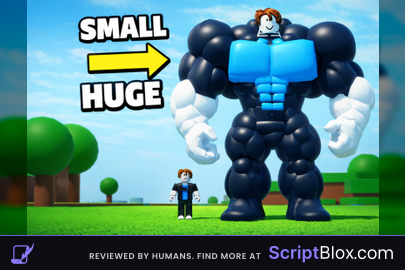
Aux hub infinite Strength Open Source
 VantaXock 1 year ago 106K views 8
Run it
Copy the script and paste it into your executor.
Aux hub infinite Strength Open Source.lua · 64 lines
-- Here Script 🎀
local player = game.Players.LocalPlayer
local gui = Instance.new("ScreenGui")
gui.Parent = player:WaitForChild("PlayerGui")
gui.ResetOnSpawn = false

local frame = Instance.new("Frame")
frame.Size = UDim2.new(0, 150, 0, 100)
frame.Position = UDim2.new(0.5, -75, , -)
frame.BackgroundColor3 = .(, , )
frame.BorderSizePixel =
frame.Active =
frame.Draggable =
frame.Parent = gui

 title = .()
title.Size = .(, , , )
title.BackgroundColor3 = .(, , )
title.Text =
title.TextColor3 = .(, , )
title.Font = .Font.GothamBold
title.TextSize =
title.Parent = frame

 label = .()
label.Size = .(, -, , )
label.Position = .(, , , )
label.BackgroundTransparency =
label.Text =
label.TextColor3 = .(, , )
label.Font = .Font.Gotham
label.TextSize =
label.Parent = frame

 textbox = .()
textbox.Size = .(, -, , )
textbox.Position = .(, , , )
textbox.BackgroundColor3 = .(, , )
textbox.Text =
textbox.TextColor3 = .(, , )
textbox.Font = .Font.Gotham
textbox.TextSize =
textbox.PlaceholderText =
textbox.Parent = frame

 button = .()
button.Size = .(, -, , )
button.Position = .(, , , )
button.BackgroundColor3 = .(, , )
button.Text =
button.TextColor3 = .(, , )
button.Font = .Font.GothamBold
button.TextSize =
button.Parent = frame

button.MouseButton1Click:(()
	 strengthValue = (textbox.Text)
	 strengthValue
		:():():():(strengthValue)

)

()
()About this script
--[[ WARNING: Heads up! This script has not been verified by ScriptBlox. Use at your own risk! ]] Feature! ==== Text box put Strength you want! ==== ==== Button Send To get Strength! === Don't forget leave a like or Follow 🎀